
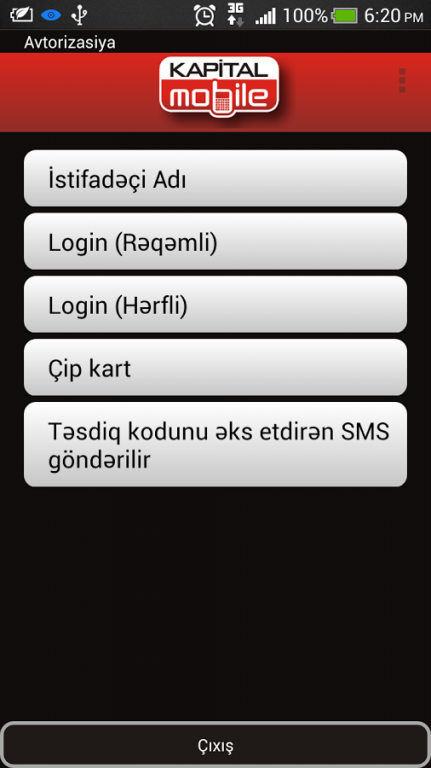
By means of the «Mobile Banking» service, it is possible to carry out following:
• Statement from account on operations performed;
• Online review of account balance;
• Utility payments and payments for use of mobile communication;
• Issuance of Visa Virtual with 6 month usage period;
• Money transfer between accounts (Card Transfer);
• Temporary block of payment card.
• Temporary change of the daily ATM cash withdrawal limit
How to become «Mobile Banking» user?
First of all, you need to connect to "Internet Banking" service. (Detailed instruction on connecting to “Internet Banking” system you can find here). If you have already been connected to "Internet Banking" service then simply join to “Mobile Banking” by using the same Login and Password immediately. To use the service «Mobile Banking» You need a mobile devises running Android with customized access to the Internet via GPRS.
We do not host KapitalBank Mobile Banking on our servers. We did not scan it for viruses, adware, spyware or other type of malware. This app is hosted by Google and passed their terms and conditions to be listed there. We recommend caution when installing it.
The Google Play link for KapitalBank Mobile Banking is provided to you by apps112.com without any warranties, representations or guarantees of any kind, so access it at your own risk.
If you have questions regarding this particular app contact the publisher directly. For questions about the functionalities of apps112.com contact us.

|
| ||||
| Downloads: 2 | ||||
| Updated At: 2026-10-07 23:29:42 | ||||
| Publisher: Kapital Bank JSC | ||||
| Operating System: Android | ||||
| License Type: Free |